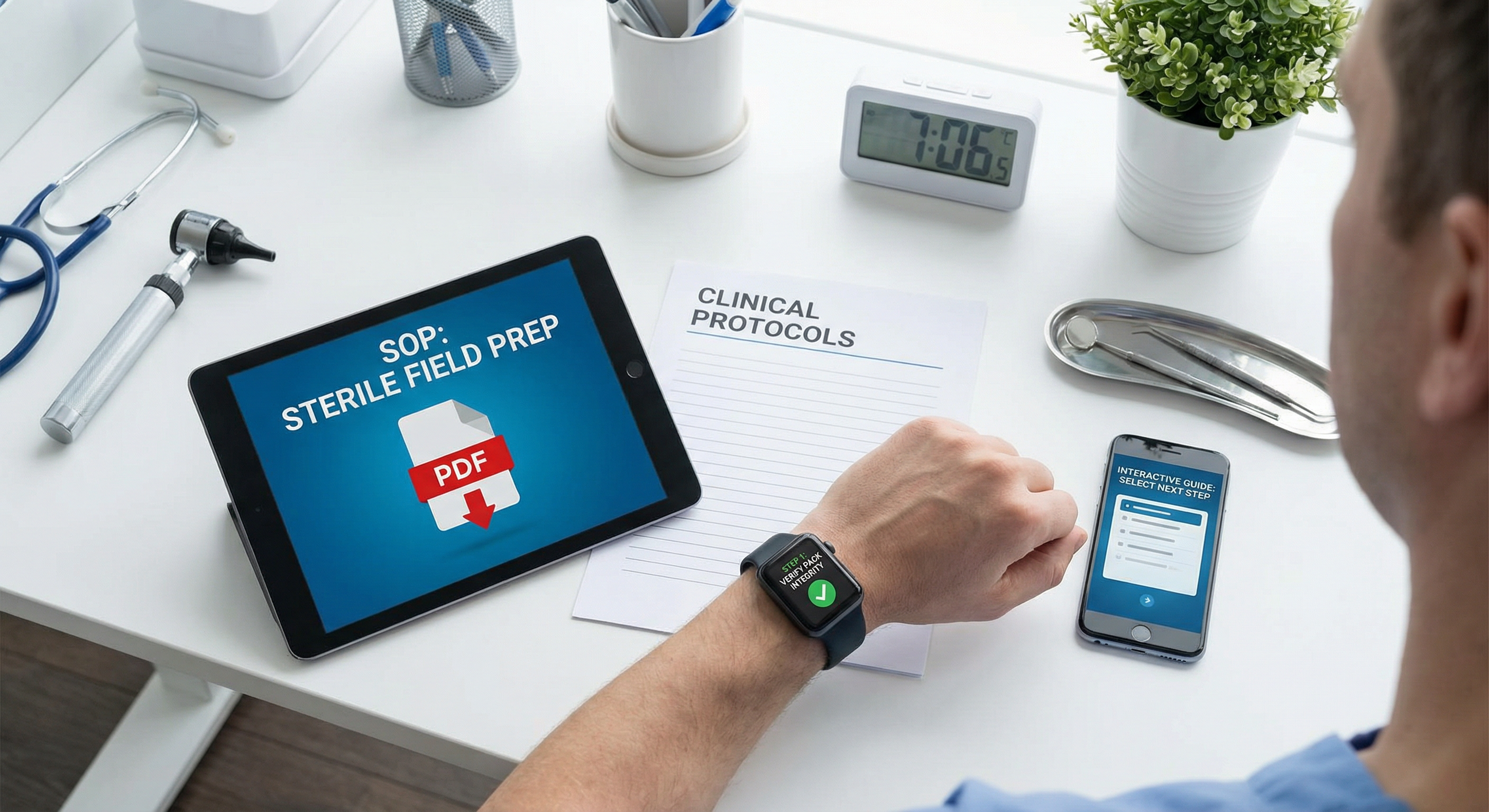
Step 1: Inventory and prioritize
Start with high-risk or high-volume SOPs that have the most impact on patient safety and throughput.
- Collect the latest approved SOP versions.
- Identify owners and reviewers per department.
Step 2: Structure the SOP
- Break long procedures into clear, sequential steps.
- Define checkpoints for critical actions and validations.
- Assign roles so the right staff see the right steps.
Step 3: Add guidance and timing
- Add expected time per step to establish KPI baselines.
- Attach reminders, warnings, and decision notes.
- Include required materials and prep checks.
Step 4: Deploy and monitor
Staff receive instructions on smartwatches and smartphones. Administrators monitor time, variance, and efficiency trends in MedNAIS™ Monitor.
Step 5: Measure and iterate
Review data weekly to identify bottlenecks, update SOPs, and improve training materials. For KPI examples, see objective KPI guidance.
Topics
#sop-digitization#workflow-design#clinical-protocols#interactive-guidance#change-management#device-deployment#training-enablement#mednais-hub
Explore MedNAIS™ Products
Connect training, execution, and KPI analytics with Hub, Assistant, and Monitor.