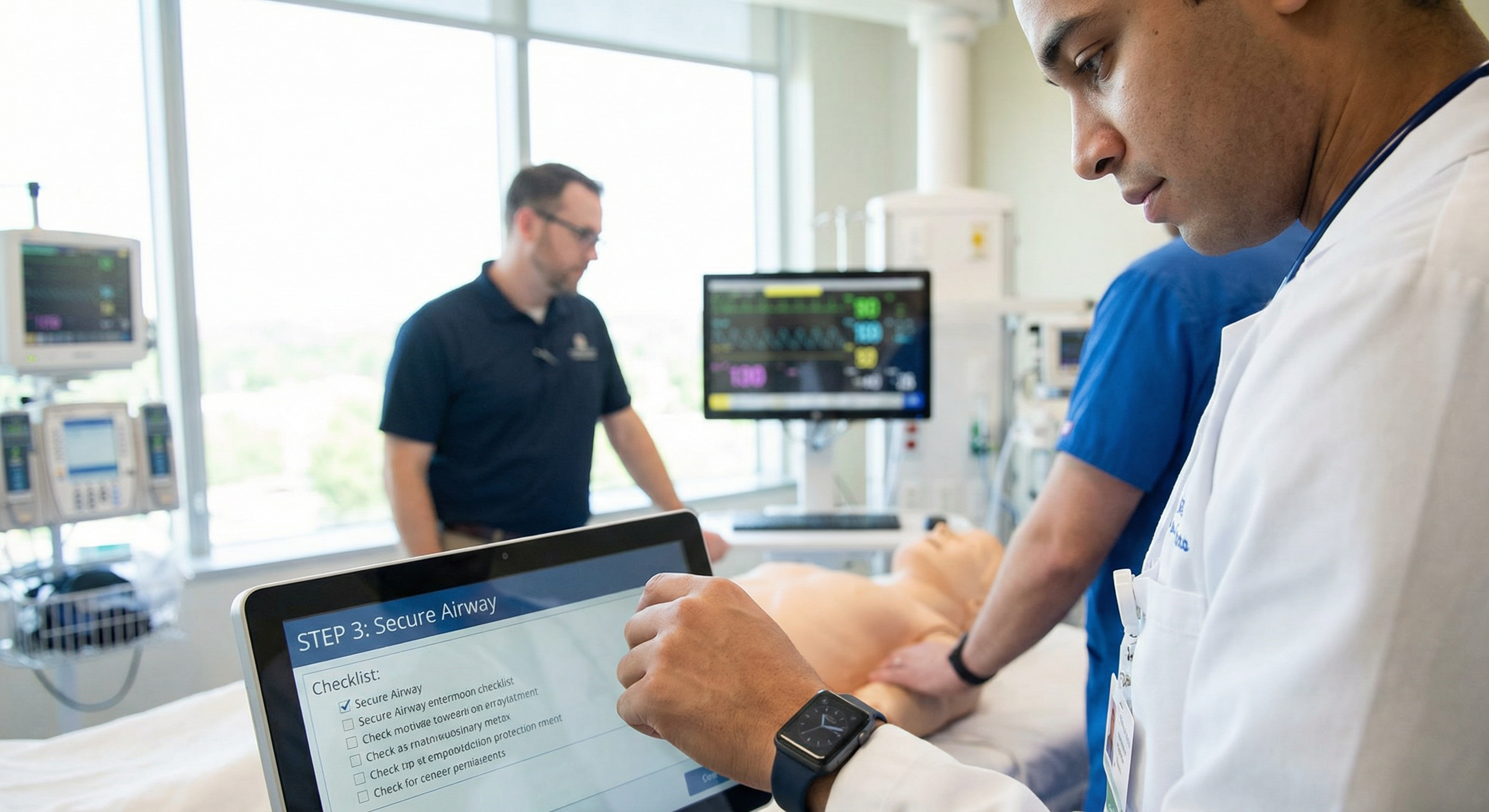
One step at a time
The app shows the step you are on, large and clear, so attention stays on the step in hand; the source documents the SOP was written from are one tap away.
What each step asks for depends on how it was written: a confirmation, a checklist, a wait the product times for you, a yes-or-no answer, a code.
The watch, described accurately
There are companion apps for Apple Watch and Wear OS. A watch is useful when both hands are occupied and a phone would have to be put down, picked up and unlocked.
It is a companion, not a replacement: it needs its paired phone, and it shows short steps. The full text of a longer step is on the phone, because a step you cannot read on the screen you are looking at is not guidance.
What the app does not have
Earlier articles here promised voice control, voice commands to move between steps, gesture navigation, audio prompts and vibration alerts on critical checkpoints. None of it exists. It was written as though it did, which is the kind of thing that gets a procurement conversation off to a bad start.
The camera reads barcodes on iPhone and Android; frames are analysed on the device and discarded, never stored and never uploaded. It also takes a photo when you choose to add one — a page of a source document, a step picture, a cover or a logo.
When the network is not there
Procedures already fetched can be run without a connection. What was recorded is kept on the device and sent when the network returns.
We stop short of promising delivery while the app is closed. Background delivery is unreliable on several Android builds, and an unreliable promise about whether your records arrived is worse than no promise.
Watching a run as it happens
The console has a board of runs in progress, refreshed every few seconds. It is genuinely useful for a shift lead during a rollout, and worth being careful with afterwards: a screen that shows who is on which step invites a kind of attention that makes people worse at their work, not better.
Topics
See MedNAIS itself
One product with four parts and one account. The demonstration needs no account at all.